For iPhone
A vault that stays on the device.
Vaultora keeps photos, videos, audio recordings and documents in encrypted vaults on your iPhone. No account, no sign-in, no server of ours. The key stays with you — with everything that implies.
What the app does
Encrypted on the device
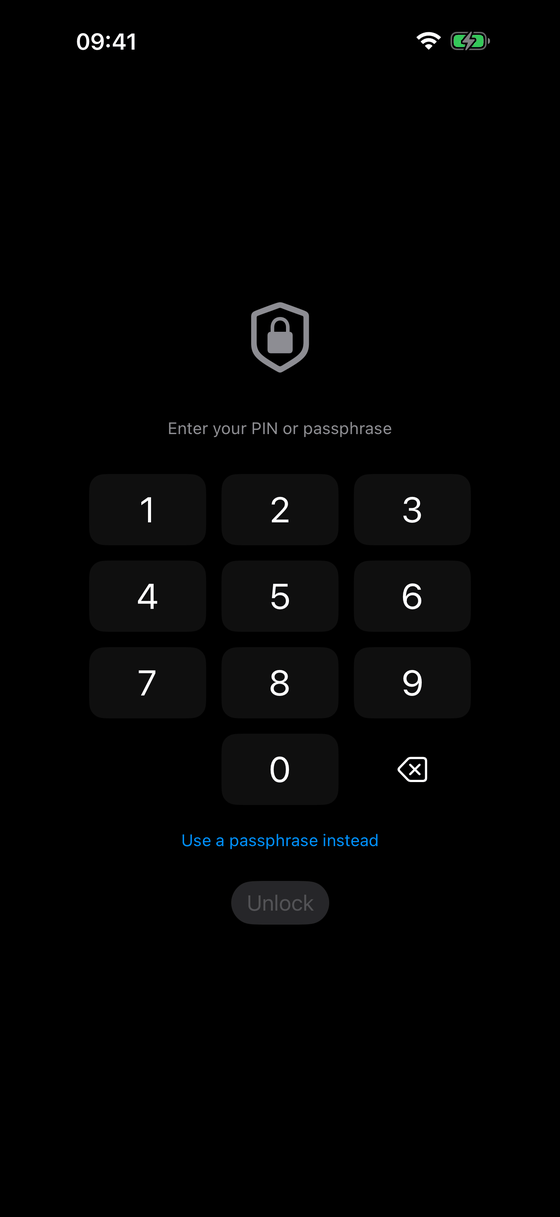
Content is stored encrypted on the iPhone. Without your secret, a vault is a file without meaning — to us as well.
No account, no server
No registration, no email address, no password held by us. The app talks to no server that we operate.
Record and store
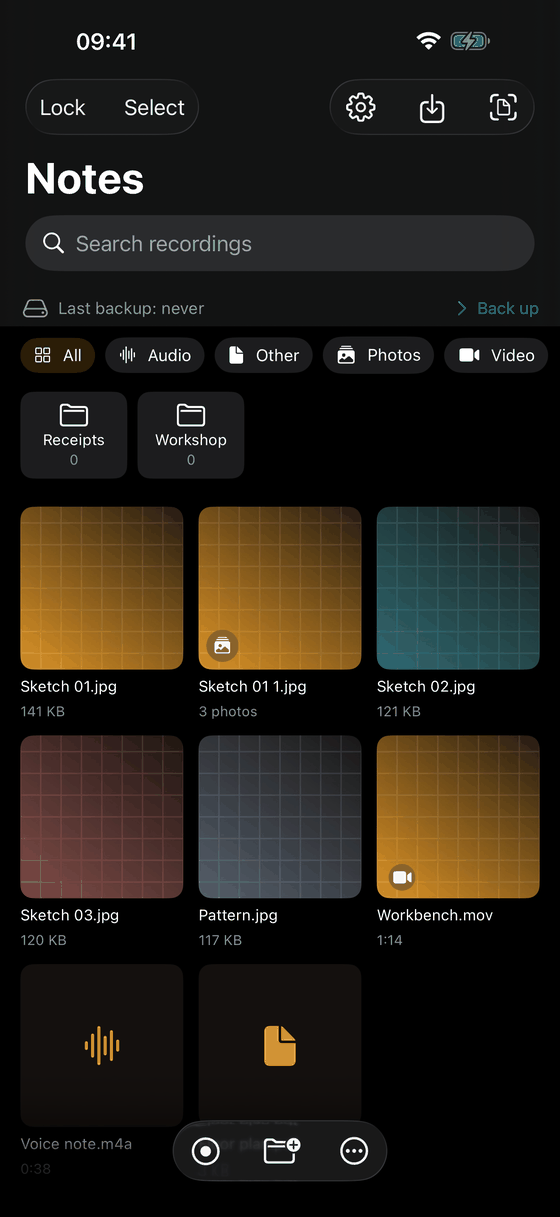
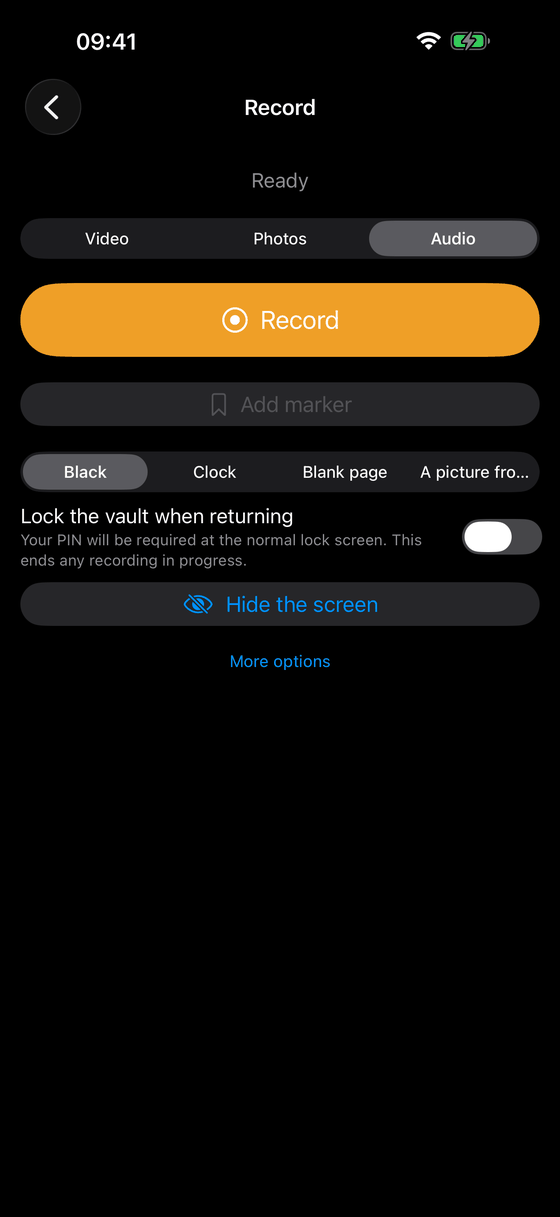
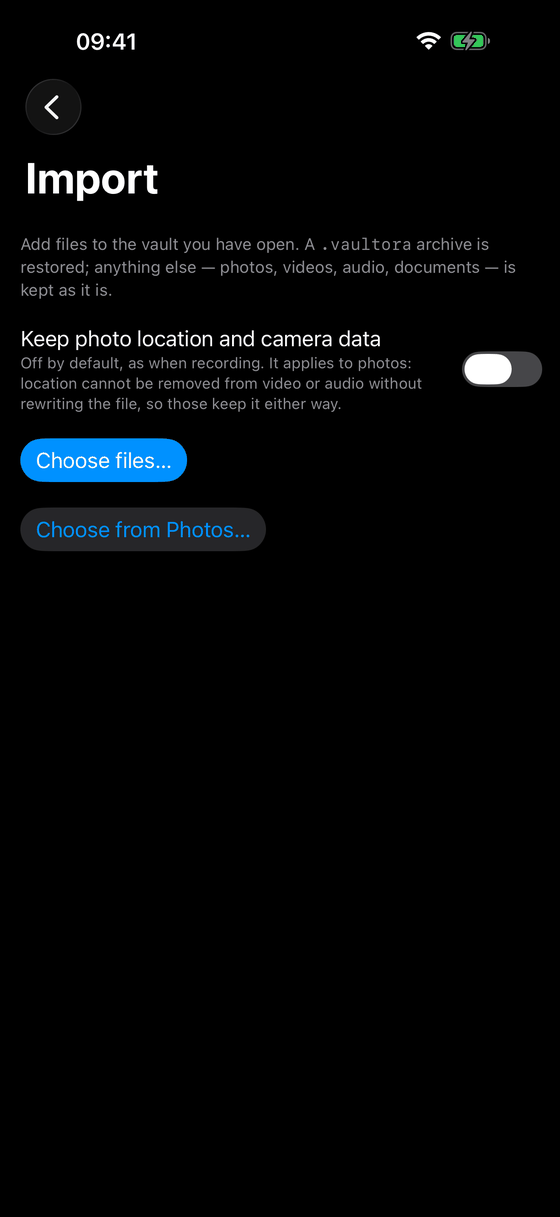
Photo, video and audio straight into the vault. Files from other apps come in through the share extension.
Transfer on your own network
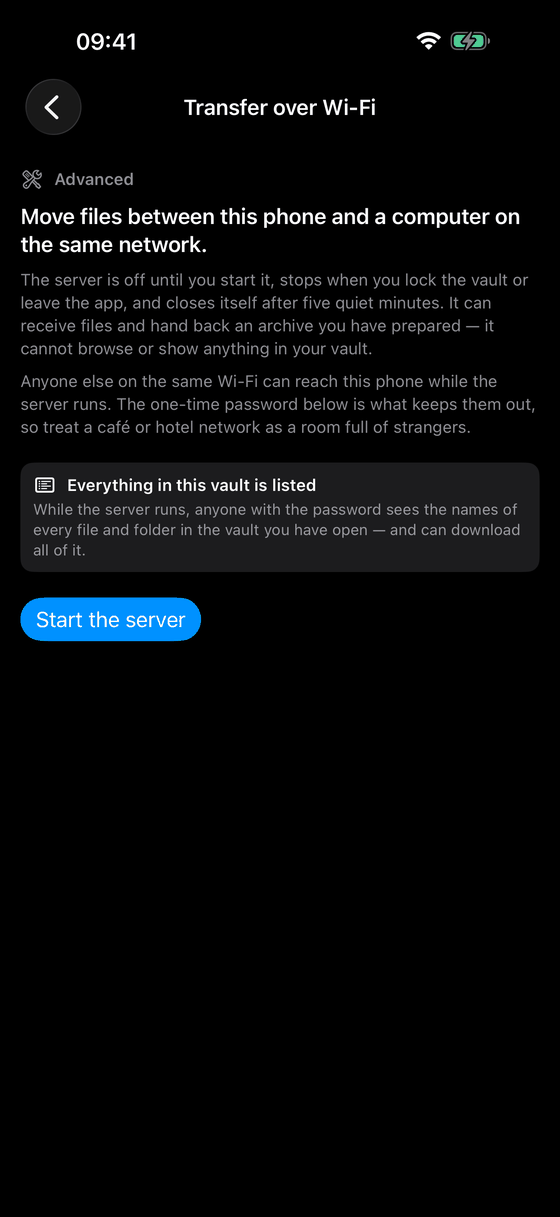
On request, a local encrypted server to exchange files with a computer on the same network. Only while you have it switched on.
Plainly, up front
What you should know before you install
Vaultora has three properties other apps do not. They are deliberate, and they are the price of nobody but you reaching the data. Anyone who finds out about them only after buying would rightly feel misled — which is why they are here.
No iCloud backup
The directory holding the vaults is excluded from the iCloud backup. If you set up an iPhone from a backup, the vaults will not be there. That is intentional: whatever ends up in a backup is in someone else's care.
No sync between devices
Vaultora does not synchronise — not through iCloud, not through anything else. The only way to move data to another device is an encrypted archive that you create yourself and transfer yourself.
A forgotten secret is final
There is no master key, no back door and no recovery by us. If you forget your secret, the data in that vault is lost. Permanently. We cannot change that, not in individual cases and not against proof of ownership.
A vault we could open would not be a vault. If that is too risky for you, Vaultora is the wrong app — better to know now than later. How to keep a regular archive is described under Support.
Free to use
- The app is free to download and free to keep using. Free use holds up to 15 files per vault.
- A one-time in-app purchase removes that limit and unlocks further features.
- No subscription, no automatic renewal, no trial period that expires and starts charging.
- The App Store states the current price at the point of purchase.
Screenshots
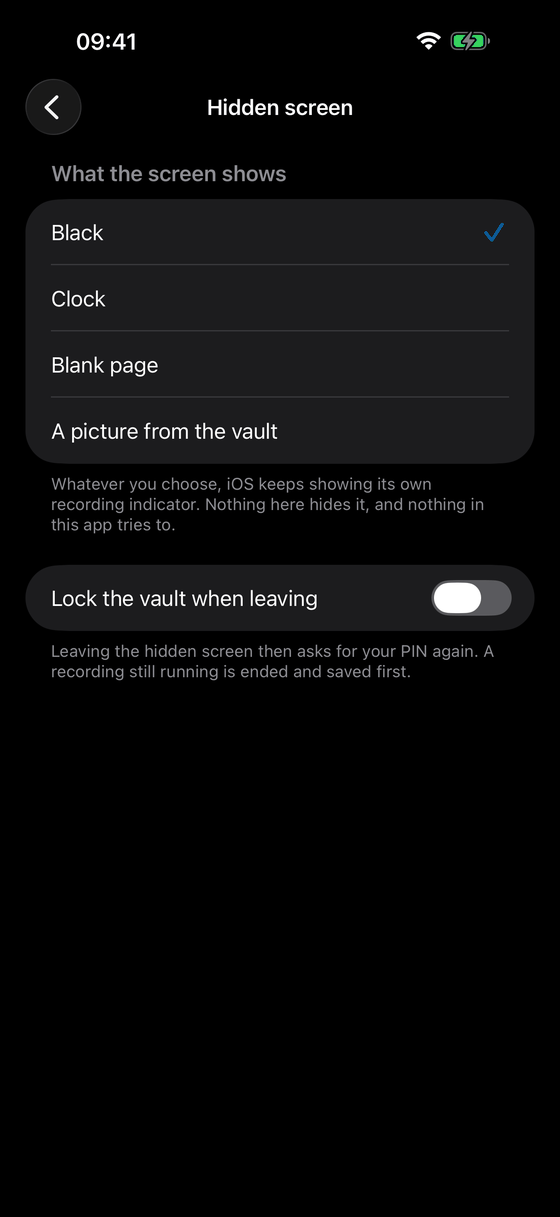
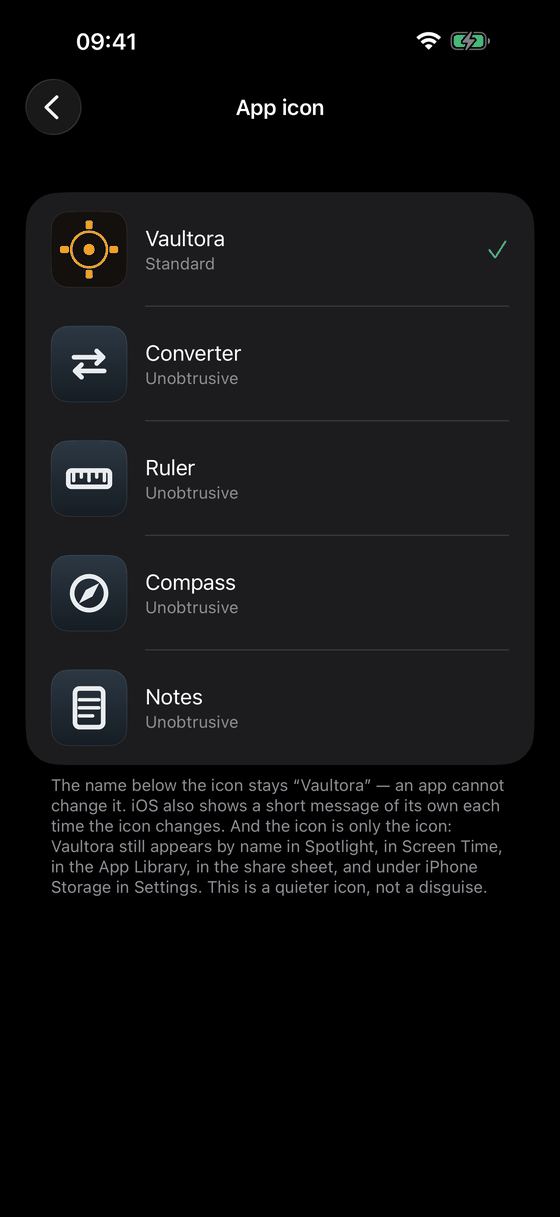
Taken from the app.
On recordings
Vaultora is an encrypted vault for your own recordings and files — not a tool for recording other people covertly. Anyone recording audio, images or video of other people carries the legal responsibility for doing so. In Germany, recording the spoken word of others in private without their consent is a criminal offence under § 201 of the Criminal Code. More on the features page.